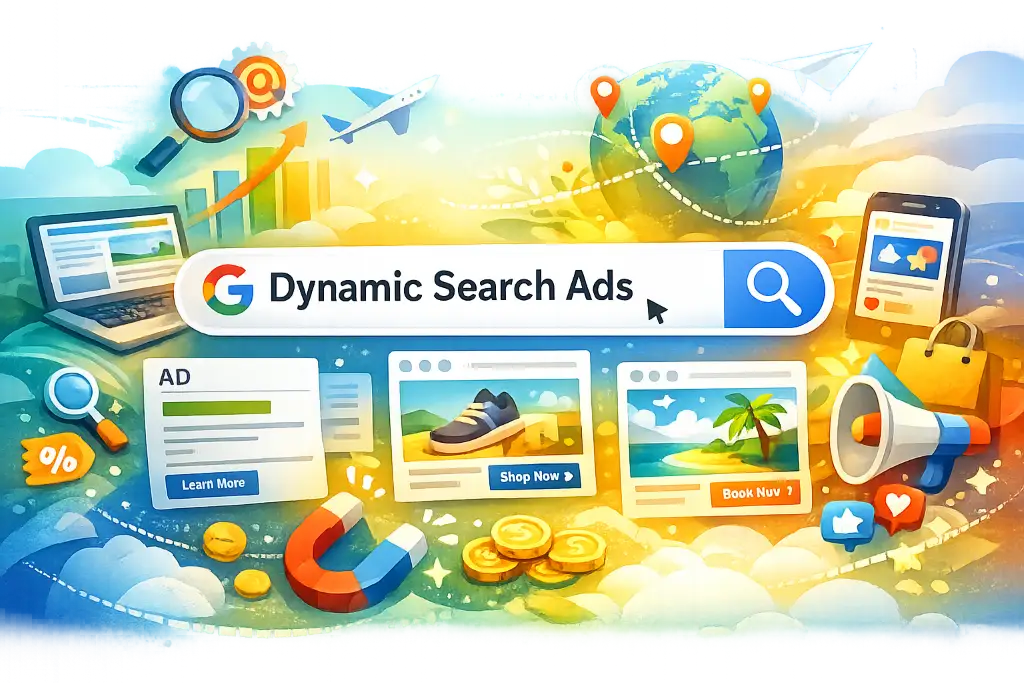
A website that has a large number of pages or huge shopping websites that wants to run search ads, then it’s hard to target thousands of keywords for these kinds of websites.
Thus, we use Dynamic Search Ads or DSA google ads, where we don’t need to add the keywords in the campaign because it automatically shows the product/service ads on the queries that are relevant to our website contents. Also, it’s helpful for creating quick campaigns in a short time.
Now, let’s see step-by-step process to setup Google Dynamic Ads along with key practices to optimize it on a regular basis to utilize your fund for effective performance.
How Many Types Of Targeting Or Auto Targets Are There In DSA Google Ads
Title Based Targeting: Create unique titles for each page available on your website
URL Based Targeting: You need to provide the URL of those pages for which you want to show your ads
Go to campaign>> + >> Choose “Search Network Only” & check the radio button “Dynamic Search Ads.” Also, rename the Campaign Name.
Scroll down >> set manual bid as per your budget >> provide your root domain name under advanced settings >> rest all settings will be normal as per the preferred campaign setups. Now Save & Continue.
Ad group setup page will be opened >> rename the Ad Group name >> Now add Description 1, Description 2 and Display URL. Rest all info will be automatically fetched by Google.
Check All Pages as Auto Targets option if you want to run ads for all the existing pages on your website >> Assign the value for default bid>> Save Ad Group.
It will be landed to autotargets section. If you want to customize the options then click on + >> choose your required category >> provide the details >> Save.
Keynotes to Get Most Out of Your Dynamic Search Ads
We don’t use KWs in DSA AdWords despite providing web URLs, and Google automatically chooses the page to show based on the user query.
Mostly it shows the highly relevant result in search.
To maintain the quality score since the beginning, you need to work on bids. If everything is fine and your bid is also higher than your competitors, it will maintain the CTR, and they will perform well.
Your website’s content should be optimized properly to get better results through DSA.
Headlines & Landing Pages automatically get filled by Google in DSA
In DSA Google Ads, Sitelink Extension won’t work. We need to provide a landing page in Sitelink Extension, but in DSA, Google Automatically generates the same.
As per Google’s rule, DSA works only on websites with at least 100 pages. However, in my experience, it also sometimes works for websites with less than 50 pages.
Finding it hard to optimize Google Ads ROI?
If creating scroll-stopping ad campaigns sounds like a full-time job, our team can handle the heavy liftings.
Er. Megha Agrawal is the Founder of Mithvin and a digital marketing professional with over 12 years of experience helping businesses strengthen their online presence and achieve measurable growth. Throughout her career, she has worked on diverse projects across content marketing, paid advertising, lead generation, and digital strategy, serving businesses across multiple industries.
As a Google Ads specialist and passionate writer, Er. Megha combines data-driven marketing expertise with a deep understanding of audience behavior to create insightful, practical, and results-focused content. Her articles are rooted in real-world experience, industry research, and proven marketing practices, providing readers with actionable strategies they can apply to their businesses.
Through her contributions at Mithvin, Er. Megha shares valuable perspectives on digital marketing, content strategy, PPC advertising, and business growth, helping organizations make informed decisions in an increasingly competitive digital landscape.
Her mission is to make high-quality marketing knowledge accessible, practical, and impactful for businesses seeking sustainable growth.
Your AI Search Readiness Audit Checklist is ready.
> Click the button below to create your own Google Sheets copy. > Google may ask you to sign in if you’re not already logged in. > That copy will be saved directly to your Google Drive.