📧 mithvin@gmail.com
📞+91 900 608 4701

📧 mithvin@gmail.com
📞+91 900 608 4701
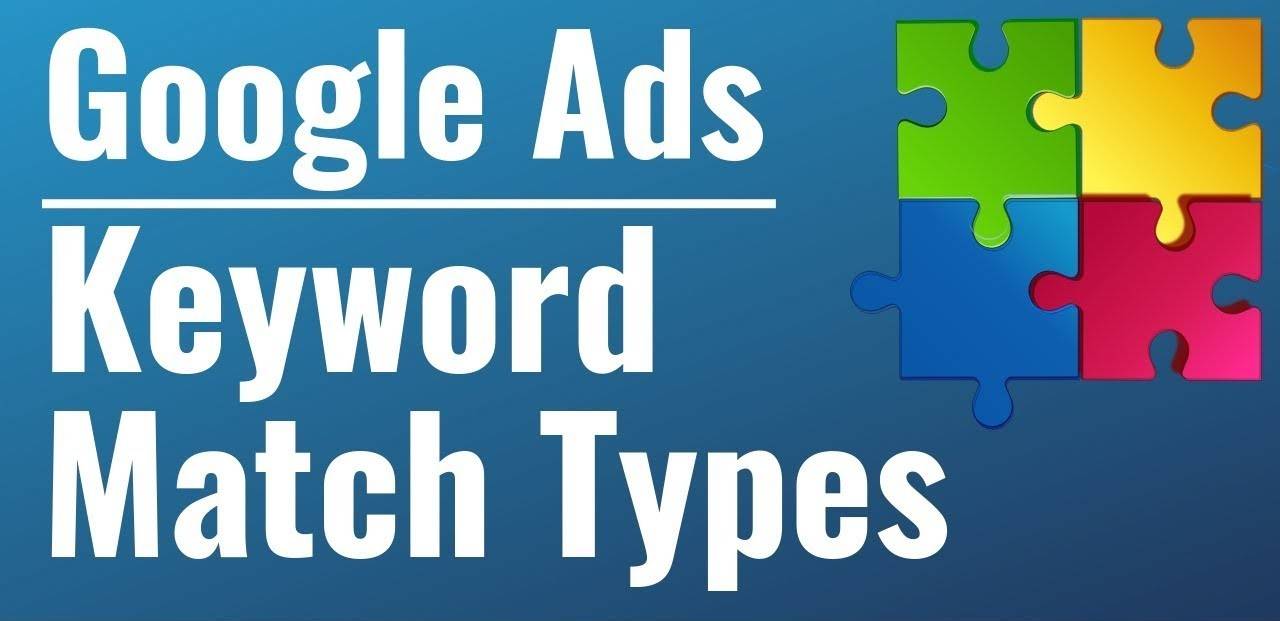
The keyword is a term or phrase searched by any user on the Google Search bar to get some result. In the online world, the keyword is everything to play and target your audience. Because the selection of your keywords decides on which search terms, your ads or website will be visible to the audience. Keep in mind the there are differences between Keyword Match Types & Keyword Types, which are explained below.
In this article, you will get full information about the Keywords Match Type in Google AdWords along with its benefits and proper use inside your campaign.
As Google Ads allow you to use up to 5 Million keywords in an account, it also gives you the flexibility to use these keywords in multiple match types. Let’s know in depth about these 5 types of keywords in Google AdWords.
To clarify, Broad Match type is the default keyword taken by Google if you don’t define any.
In addition, the broad match allows your ads to come in search if the user’s query is carrying any of the words or synonyms matched with your targeted keyword list.
Your Targeted keywords:
Your Ad may be visible for below terms and more:
Related Post: Content Marketing vs PPC – ROI Analysis In Long Run
It’s helpful for new Google PPC campaign setups where you are not familiar with the terms people might search to reach your business. The targeted broad match keywords will help you to build a search term list faster than other techniques. Further, it will be helpful for you to use those search terms in your next campaigns or better optimization of your ads.
In case of get no clicks on any keywords or their variations, the Google ads algorithm will not show your ads for those keywords, and it will help you to spend the rest amount on performing keywords only.
Similar Post: Handy List. 25 PPC Questions-Answers Related to Keywords
If you are new in the market and trying to get some audience for you, try using broad match by adding the limited keywords as per your analysis that may probably be searched by the audience to find you. It will help you to get initial traffic and then you can use the gathered data for further promotion.
If your product is not popular in the market, then obviously, you need to advertise it broadly. So, the user will be able to reach you only by using the broad match type.
Due to low competition, it will help you get more clicks at the lowest CPC & also will give the report of relevant searched terms to use within your future campaigns.
If you are a brand new company with low competition in the market and want to get some leads for your business, you can blindly use the Broad Match Type inside your Google Ads Campaign to target the fresh audience at the lowest cost.
Later on, you can also see the relevant terms that have been searched by the users inside the Search Term Query report.
Also Read: Types of Keywords Search Queries

Phrase Match used to show your ads for only those keywords that should be typed by users as it is in Google search page. For more clear understanding, the purpose of using Phrase Match is to target some specific product or services.
The Phrase Match Keyword is written inside the symbol “ ” and allow you to show your ads on the user’s query if they have searched with pre phrase or post phrase along with your targeted keywords.
Although, it’s not recommended to use in your first campaign if you are a novice Google Advertiser.
Your Targeted keywords:
Your Ad may be visible for below terms and more:
Your Ad may not be visible for below terms and more:
What all the keywords you have targeted inside your keyword list followed by “” symbol, your ads will be shown for these phrases only. People can’t see your ads if they haven’t mentioned all the words in their query which are matching with your list.
Consequently, you can save up to 70% of your budget by not getting the irrelevant clicks on your ads. And though you won’t be charged for any unwanted impressions.
If you will create relevant and impressive ad copies, you can get the better click-through rate (CTR) further which will help you to achieve better ad position even by paying lower Cost-Per-Click.
If your CTR and Quality Score is maintained, you can get a better Ad Position by using the Phrase match type. Because it will only show your ads to those audiences who are searching for closely relevant and your targeted keywords only.
Since the phrase match keywords don’t work broadly, you will get the highly interested leads only for your product or services. In other terms, you will get the hot leads which may be converted in coming days without giving a lot of more effort.

The fourth keywords match type id Exact Match. If you belong to a competitive business and have a limited budget, we recommend you to go for Exact Match Keywords. It allows showing your ads on the query which are 100% matching with the keywords you have targeted inside your campaigns. To clarify, the Exact Match Type is denoted by the symbol [ ].
Your Targeted keywords:
Your Ad will not be visible for below terms and more:
Worth Reading: 6 Smart Ways to Submit My Blog With No Rejections
Last but not least. On top of all of the above match types, without using negative keywords, believe me, you are going to ruin your budget quickly. Negative keywords have the power to prevent showing your ads on the irrelevant query in a simple way.
Only you will have to create a list of irrelevant words and then add the list inside your campaign setting. You can add the negative list along with any type of targeted keywords. You must use it even with the Exact Match type.
To add negatives, simply create a list like the one below and then use it by giving a name to the list.
| about career certification class cv definition diagram download exam | game guide hack how mage job map news rent | review salary sample tips trick tutorial vacancy video work |
Learn: How to use Google Keyword Planner for Google Ads Campaigns?
B2B, B2C, Vehicle, Computer, Education, Job, Manufacturers, Deals, Media, Price, Quote, DIY, Materials, Legal, Adult and more.

Broad Match Modifier is also called BMM and this is the second keyword match type and this is the most used match type by agencies inside the Google Advertising Campaigns. BMM is similar to broad match type but performance-wise it has a huge difference.
BMM notified with the symbol ”+” at the starting of any words in your keyword list. The + symbol used to filter out the most relevant search query for your ad, which includes all those words which have been denoted by this symbol. Inside your campaign.
Update (2025): Broad Match modifier has been removed from Google in 2025. And all the BMM keywords used in old campaigns will be changed to phrase match. Thus, now, you can’t use it anymore in new campaign.
Your Targeted keywords:
Your Ad may be visible for below terms and more:
Your Ad may not be visible for below terms and more:
For instance, if you are targeting keywords in BMM, your ads will only visible to those persons who have mentioned all the words included in your keyword phrase else if any of the terms will be missing, your ad will not be shown. In this way, you will get a user who is highly relevant to the business.
Due to targeting the user who is searching for closely related to your targeted keywords, your costing will also be managed in a better manner to minimized the irrelevant clicks.
With the combination of 2 or more words, you can prepare your BMM keywords list in such a that you can bid the competitors and bring your ads on the top positions even by spending less budget than them.
Keyword Planner by Google is a free gift and very useful way to get the details of bid rates and competition ideas for bulk keywords. You can use that if running search campaigns on Google AdWords. Learn to use Google Keyword Planner for Google Ads Campaigns here.
You can also observe your competitors in ad gallery to checkout what keywords they are targeting. Further, you can ask an experienced Google Ads expert to get the list of profitable keywords to target in your campaign.
If creating scroll-stopping ad campaigns sounds like a full-time job, our team can build this for you.


Your AI Search Readiness Audit Checklist is ready.
> Click the button below to create your own Google Sheets copy.
> Google may ask you to sign in if you’re not already logged in.
> That copy will be saved directly to your Google Drive.